AI Chatbox - A simple, modern interface for AI conversations.
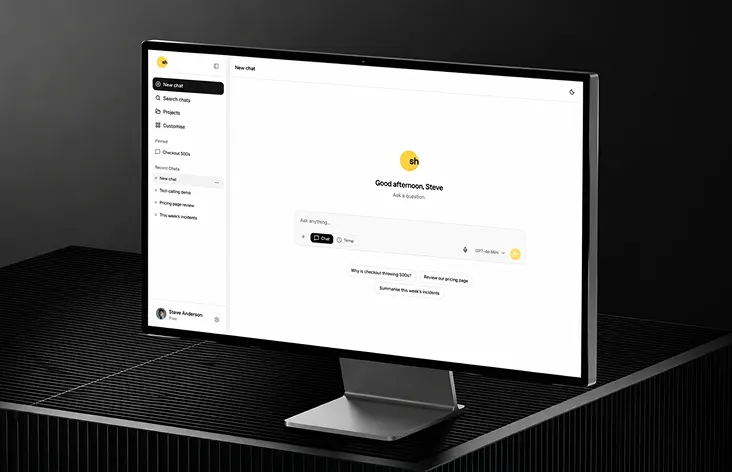
A polished AI chat application template with a conversation-focused layout, message composer, chat history sidebar, and model switching, built for developers shipping AI products.
AI Chat Application Template Built with shadcn/ui
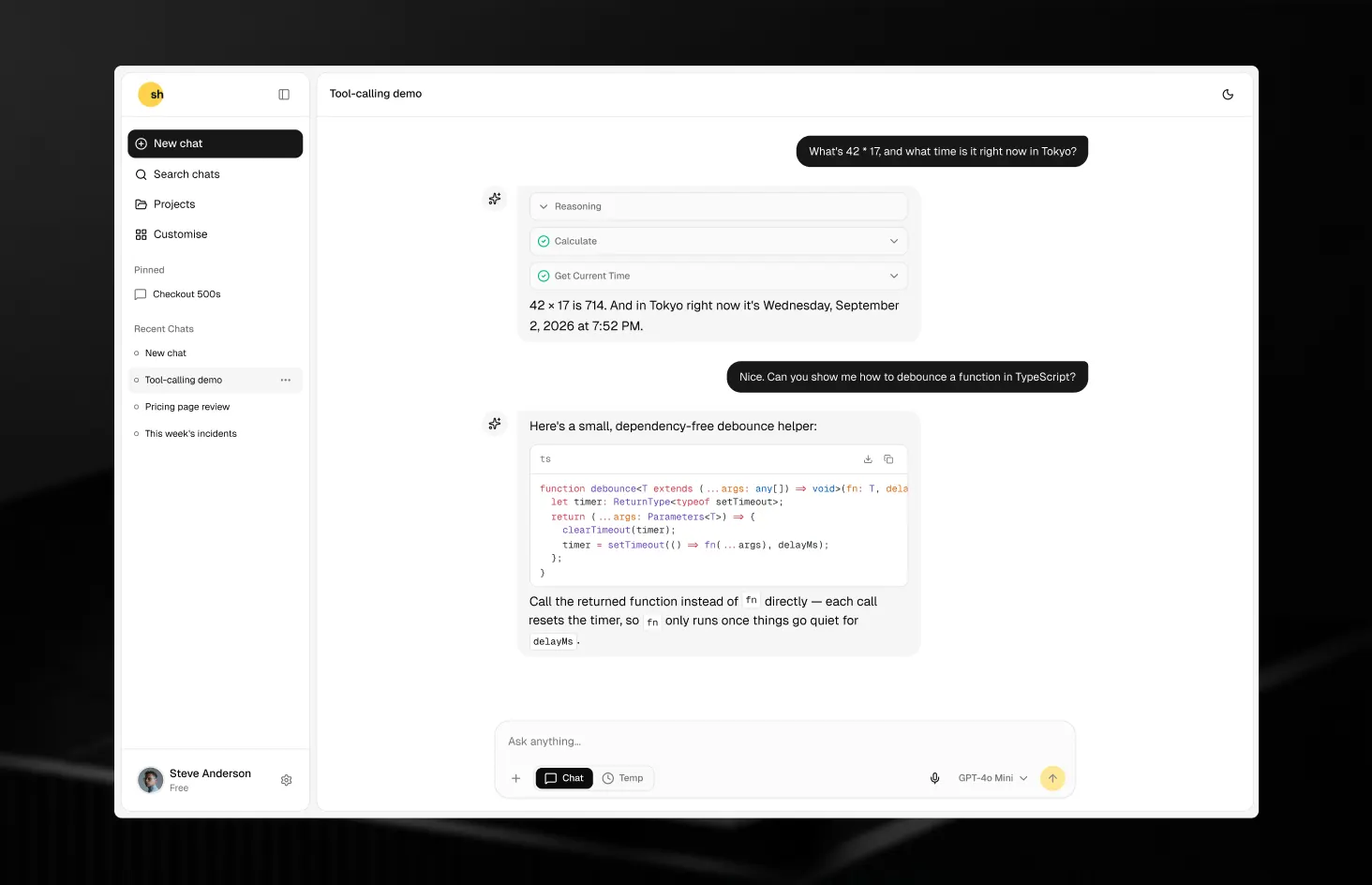
AI Chat is a conversation-focused interface designed for teams shipping AI products, copilots, and internal assistants. Built using Next.js, React, Tailwind CSS, TypeScript, the Vercel AI SDK, and shadcn/ui + Base UI, it provides a clean chat window, message composer, and conversation history sidebar out of the box, so you can focus on wiring up your model instead of building chat UI from scratch.
A focused conversation view with an input area built for multi-line prompts and quick sends.
A sidebar for browsing and switching between past chats, ready to wire up to your own storage layer.
A layout built to support choosing between different AI models per conversation.
Layouts, spacing, and typography that hold up across desktop, tablet, and mobile devices.
Swap in your own model provider, branding, and conversation storage without fighting the component architecture.
Live Demo, Real Code
No mock data, no separate playground - the demo runs on the same code you'll customize:
Demo conversations stream reasoning, tool calls, citations, and attachments through the same code a live model uses. No setup required.
Set AI_PROVIDER and AI_API_KEY and you're talking to your model of choice. Nothing else changes.
Built for Real Conversations
The message view already handles the details that most chat UIs leave for you to build later:
Responses render as they arrive, with syntax-highlighted, copy-ready code blocks instead of raw, unstyled text.
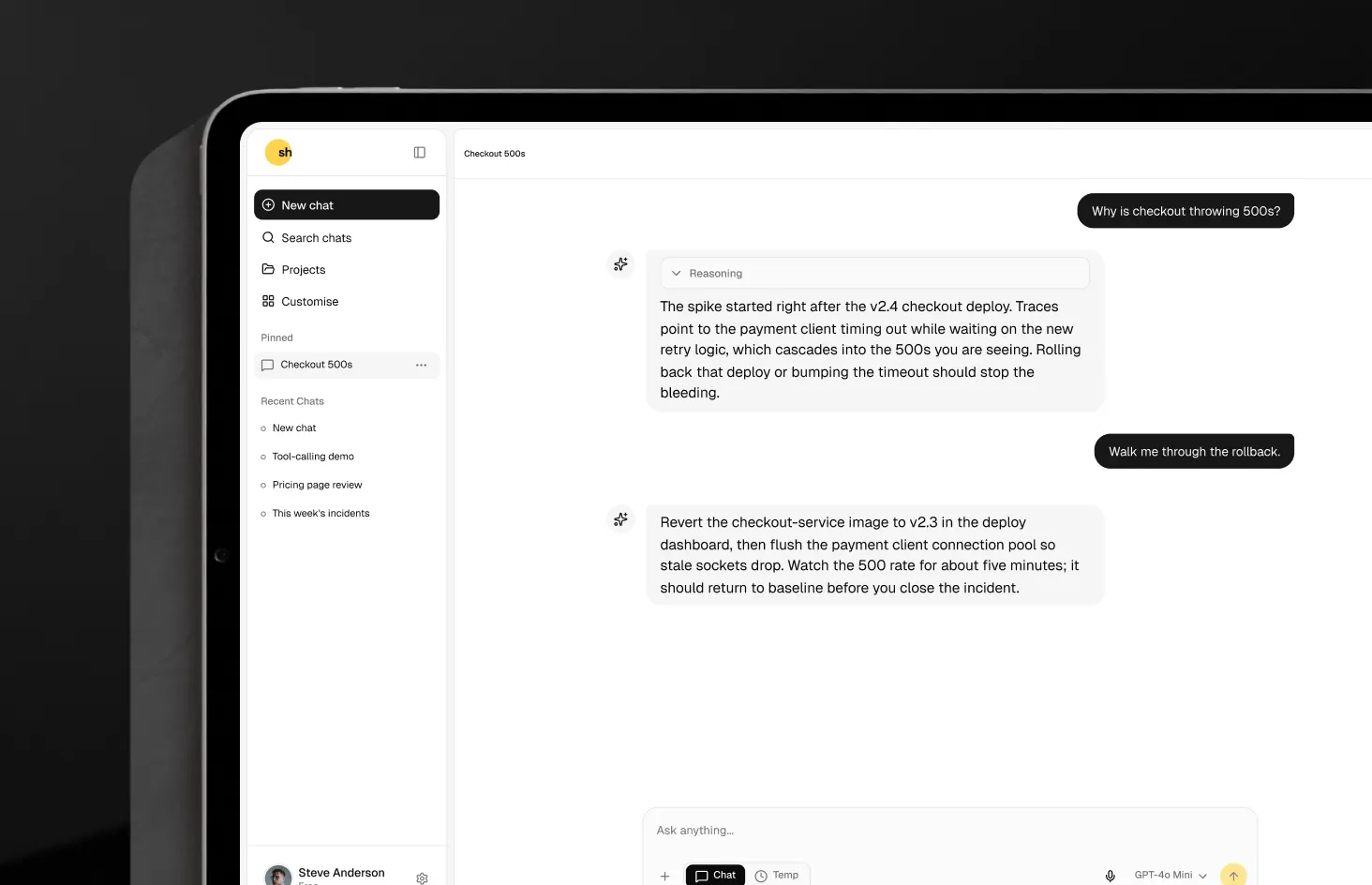
When a model exposes its thinking, it's shown in an expandable panel above the reply rather than mixed into the answer.
In-progress, completed, errored, and rejected calls each get their own visual state, so users always know what's happening.
Cited sources are deduplicated into a single reference list per response, and untrusted links are stripped out automatically.
Upload via the file picker, drag-and-drop, or paste, with images rendered directly in the message thread.
Structured, multi-step question flows can be rendered inline, so the assistant can collect input without leaving the chat.
A Full Product Shell, Not Just a Chat Window
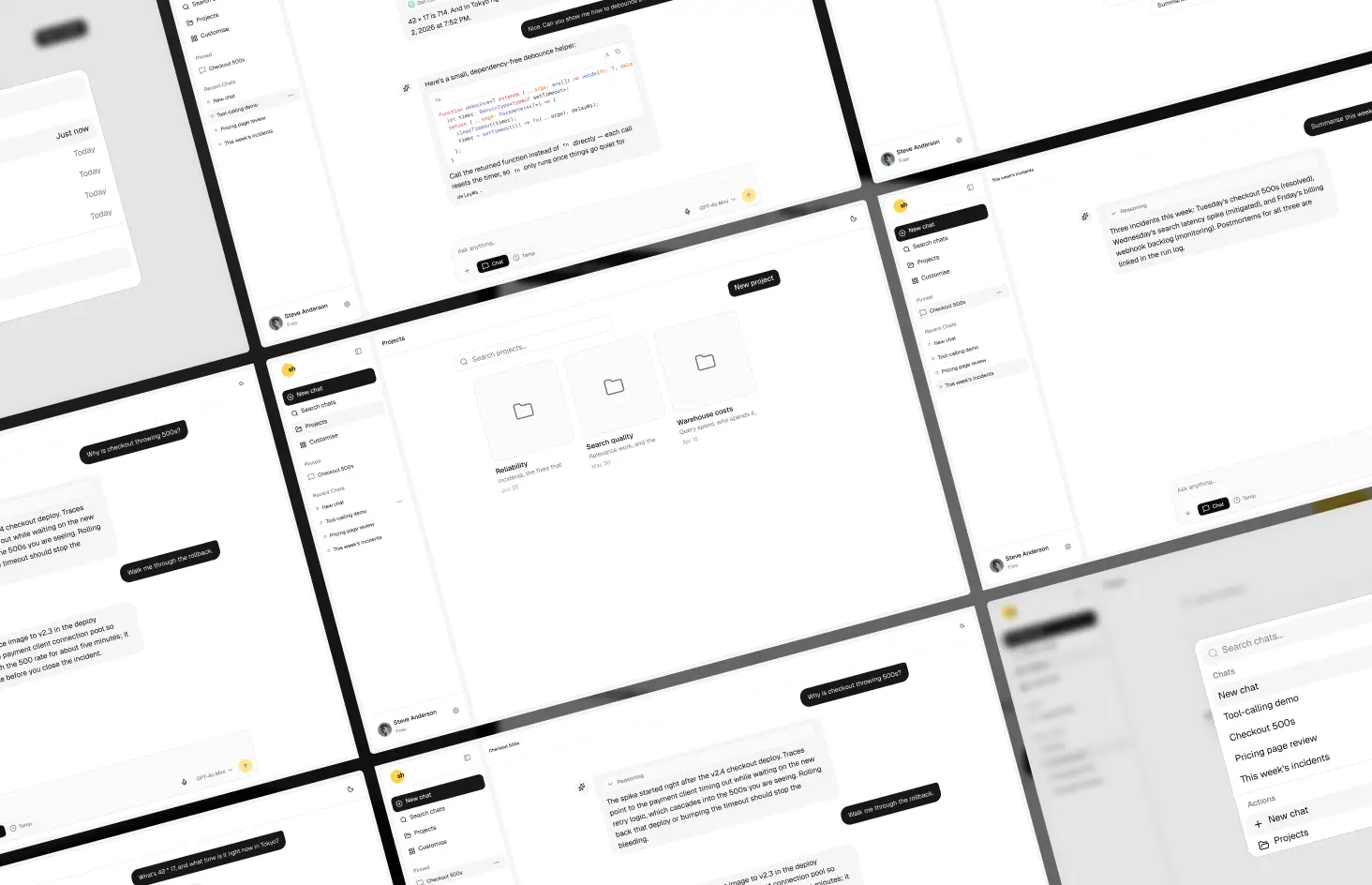
The surfaces around the conversation are covered too, so the template feels like a complete app rather than a single screen:
Conversations are organized by recency and support pinning, renaming in place, and delete confirmations.
A quick-open palette gets you to any past chat, or straight to a new conversation, projects, or the file library.
A microphone toggle with a live audio waveform lets users dictate messages instead of typing them.
Related conversations can be grouped together under shared instructions and reference material.
Every uploaded file is tracked in one place and links back to the conversation it was shared in.
The same chat experience can be docked alongside your own product UI and toggled with a keyboard shortcut.
Any thread can be shared with private, team, or public visibility through a generated link.
Every control is labeled and keyboard-operable, with screen reader announcements handled from the start.
Modern Technology Stack
Built with the tools that developers love and startup teams trust:
For modern, scalable applications
For utility-first and maintainable styling
For type-safe development and better maintainability
For accessible, reusable, and consistent UI components
For streaming model responses, tool calls, and provider-agnostic integration
For generating and managing components directly from the CLI
Tech Stack
Highlights
- Clean AI chat interface with message composer and conversation view
- Conversation history sidebar for managing multiple chats
- Model switching support for working across different AI models
- Fully responsive layout with light & dark mode
- Built with reusable, developer-friendly shadcn/ui components